OLED, QLED or Mini-LED: which screen suits your room?
OLED, QLED and Mini-LED make the picture in different ways. Which one suits you depends mostly on how much light your room gets and what you watch.

Popular picks from this guide
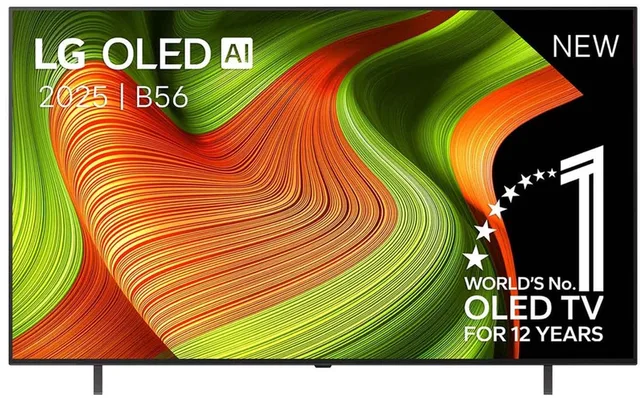
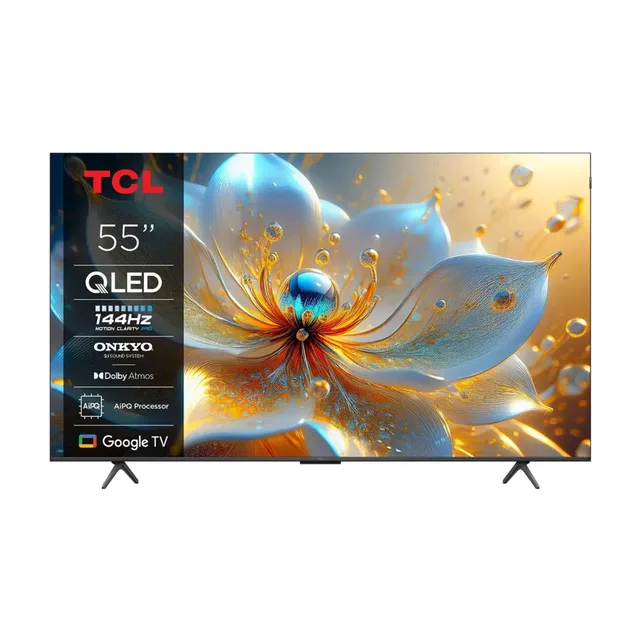
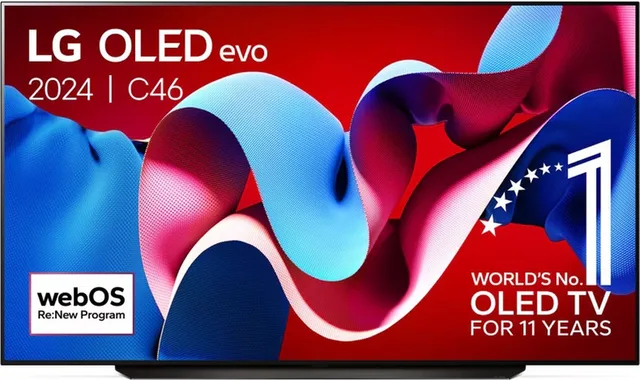
Popular products at today's lowest price. Compare every shop on the product page.
Short answer: If you mostly watch in the evening in a dark room, OLED suits you: every pixel makes its own light and can switch off completely, so black is truly black. If the TV stands in a bright living room with lots of daylight, look at a bright Mini-LED TV. QLED is LCD with a colour layer and, without Mini-LED, fewer dimming zones; it also comes in small sizes.
The explanation below comes from the manufacturers themselves, mainly LG, Samsung and Sony, and from the product data in our catalogue. Couchowl tests no TVs itself; always check the model's specifications for exact figures.
Three kinds of screen in brief
There are two ways to make a picture. With OLED each pixel gives off its own light. LG and Sony put it like this: a pixel that should be black simply switches off. There is no backlight.
QLED and Mini-LED are both LCD screens. Behind the panel sits a backlight made of LEDs, and the LCD panel lets more or less of that light through per pixel. Samsung calls an LCD TV with a layer of quantum dots for colour a QLED TV. In a Mini-LED TV the backlight is made of thousands of very small LEDs, grouped in zones that can be brightened or dimmed separately. Many Mini-LED TVs also have a quantum dot layer; Samsung calls these Neo QLED, and LG calls its LCD range QNED and adds "Mini LED" to the name of those models.
A newer variant is RGB Mini-LED, where the backlight itself is red, green and blue. LG calls it Mini RGB, TCL calls it RGB Mini LED.
A dark room: OLED
If you mainly watch films and series in the evening with the lights off, contrast matters most. Because an OLED pixel can switch off entirely, a bright point has no grey glow around it. You notice it with stars, end credits and dark scenes.
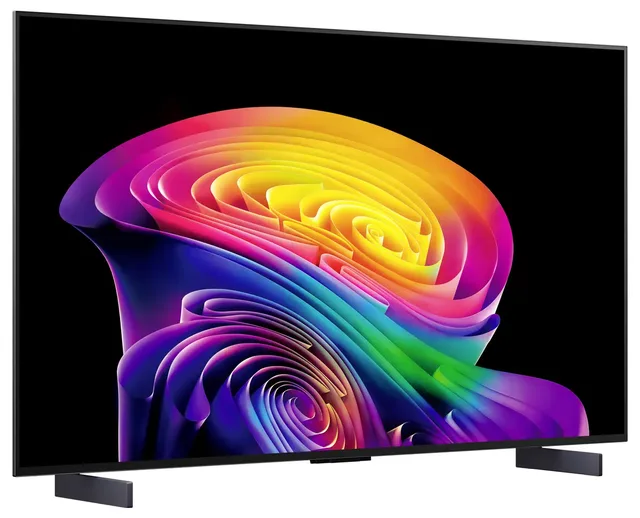
Our catalogue has OLED TVs from LG, Samsung, Sony and Panasonic, among others. LG's C6 series runs from 42 to 83 inches, such as the OLED48C61LA and the OLED55C61LA. Samsung makes OLED TVs too, such as the S83H; which panel type a Samsung OLED model uses can differ per series and size, so check its specifications.
OLED TVs
- LG
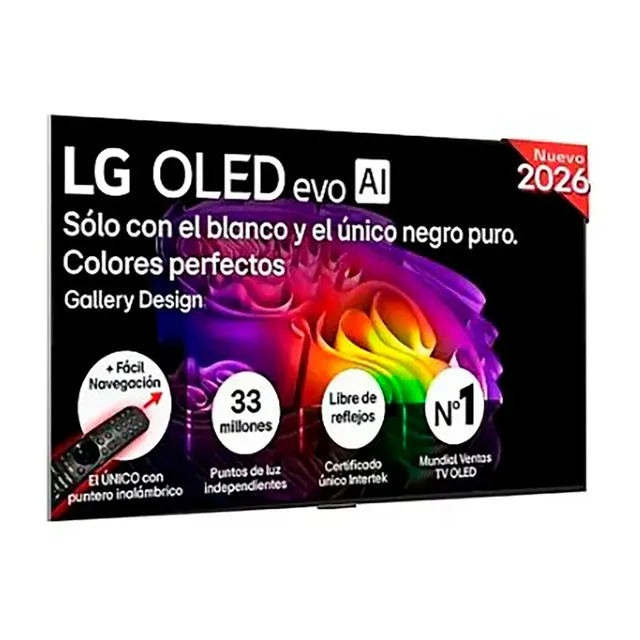
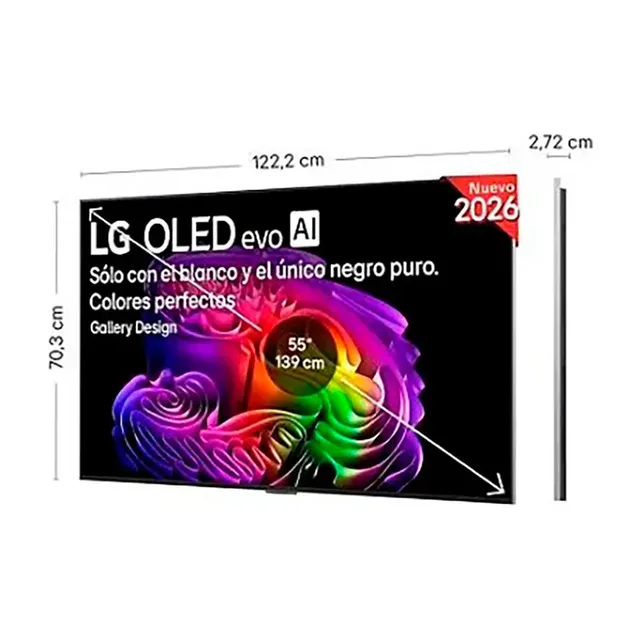
OLED EVO 55" G6 (2026)
55″4KOLEDFrom €1,735.98 · at 3 shops
- LG
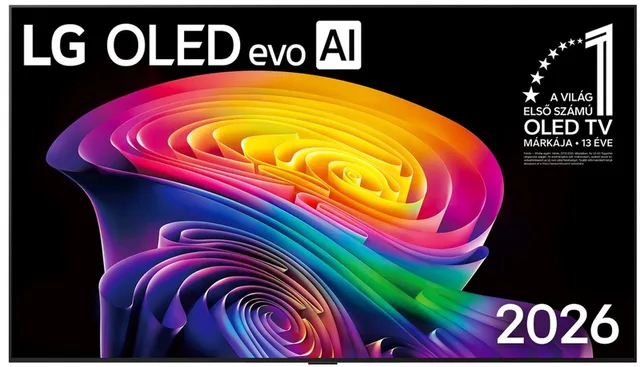
C6 OLED55C61LA
2026 · 4K OLED · Smart TV55″4KOLEDFrom €1,199 · at 2 shops
Lowest in 21 days
- LG
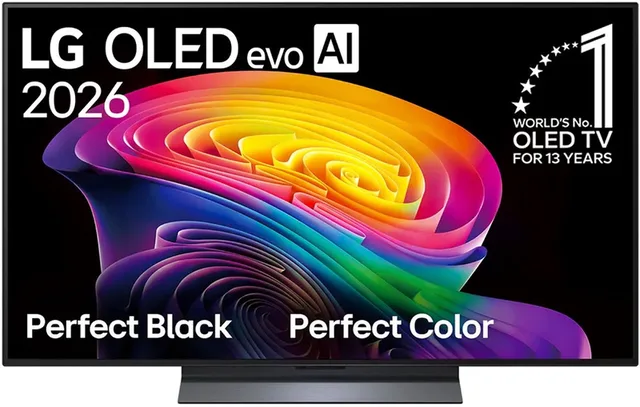
Oled48c61la 48´´ 4k Oled Tv
48″4KOLEDFrom €1,190 · at 2 shops
- Samsung
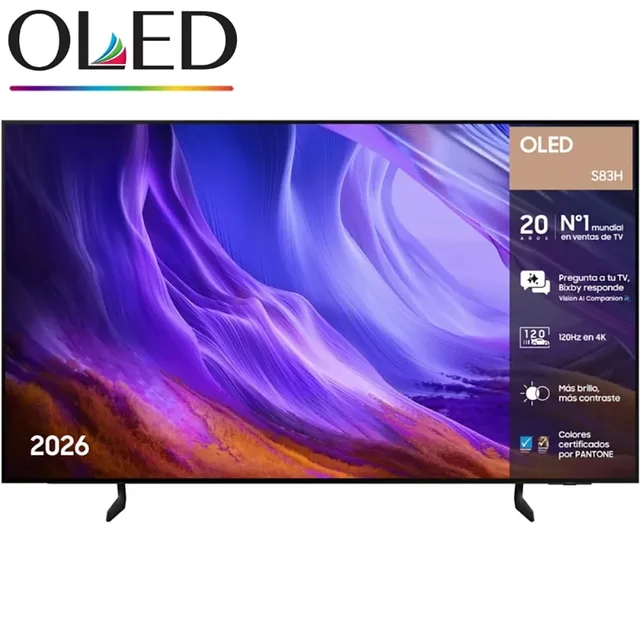
Oled S83h Tq55s83hae 55´´ 4k Oled Tv
55″4KOLED€976.98 · at 1 shop
Lowest in 20 days
- Sony
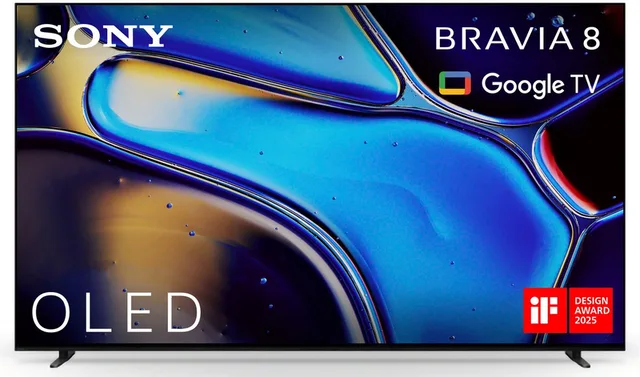
Bravia 8
2024 · 4K OLED · Smart TV65″4KOLED€2,330.48 · at 1 shop
Lowest in 17 days
Every OLED model is under OLED TVs.
A bright room: Mini-LED
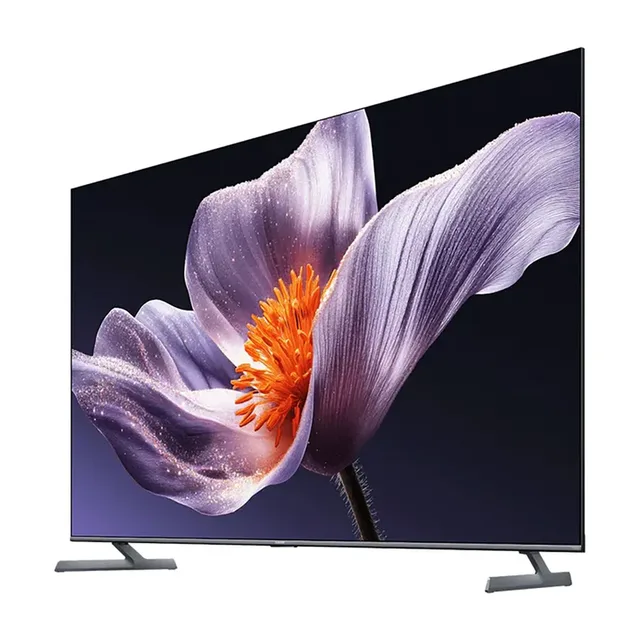
If a lot of daylight falls on the screen, brightness helps. Manufacturers state it in nits (candela per square metre). For the Mini-LED TVs in our catalogue it is often in the name: Xiaomi gives 1200 nits for the TV S Mini LED 65 inch and 1700 nits for the TV S Pro Mini LED 65. How bright an OLED model gets is in its specifications; compare like with like, as some makers quote the peak on a small part of the screen.
The second figure for Mini-LED is the number of dimming zones. The more zones, the more finely the TV can place light and dark side by side. Xiaomi gives 308 zones for the TV S Mini LED, TCL 2160 colour zones for the 98RM7L. With few zones a faint haze can appear around a bright object on a dark background, because one zone lights a larger part of the picture.
Mini-LED TVs
- Xiaomi
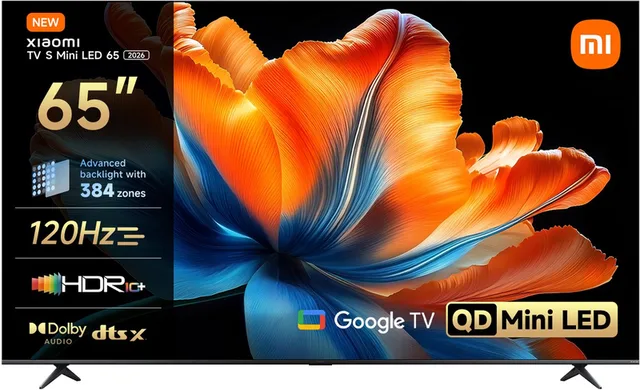
TV S Mini LED 2026 Smart TV
QD-Mini LED Smart TV · 4K Ultra HD65″4KMini LEDFrom €698.99 · at 2 shops
Lowest in 26 days
- Xiaomi
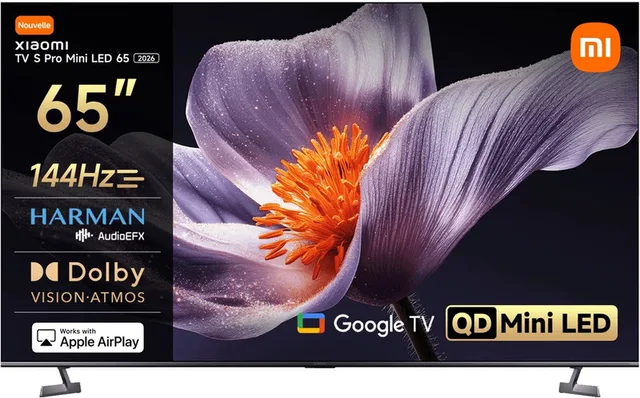
TV S Pro Mini LED 65 2026
QD-Mini LED Smart TV · 4K Ultra HD4KMini LEDFrom €829 · at 2 shops
- Hisense
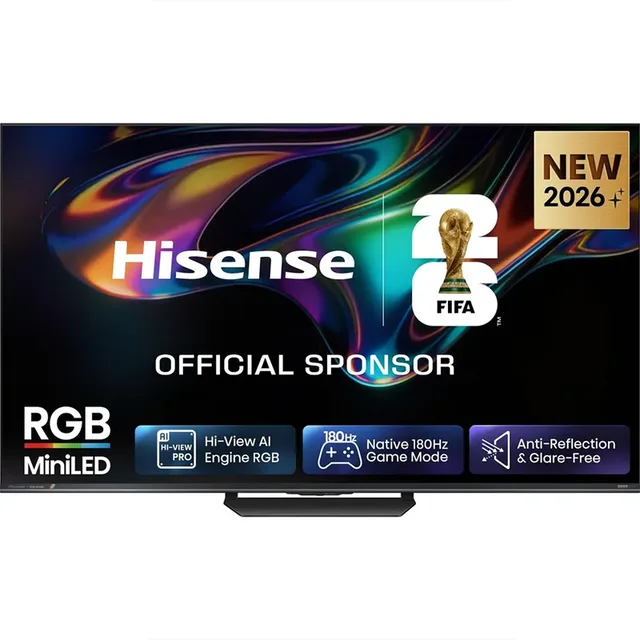
Tv 55ur8s 55´´ 4k Mini Led
55″4KMini LEDFrom €899 · at 4 shops
Lowest in 21 days
- LG
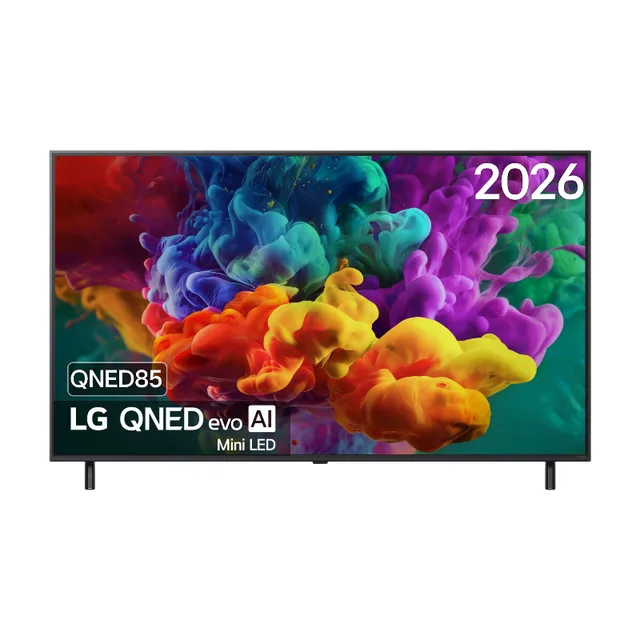
55QNED85B6B 55 inch QNED evo Mini LED 4K Smart TV
144 Hz VRR · Dolby Vision · Dolby Atmos55″4KMini LEDFrom €816 · at 2 shops
Lowest in 21 days
- Samsung
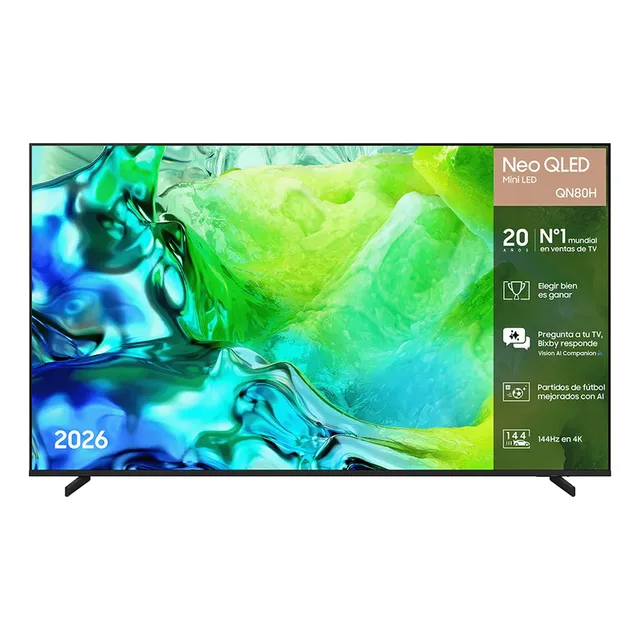
Tq55qn80h 55´´ 4k Neo Qled Tv
55″4KQLED€756.48 · at 1 shop
- TCL
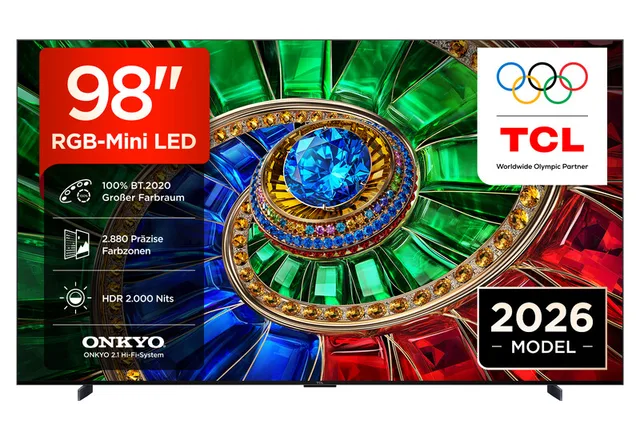
98RM7L RGB Mini LED 98 Zoll TV
4K Smart TV · Google TV · HDR1098″4KMini LED€3,599 · at 1 shop
QLED: LCD with a colour layer
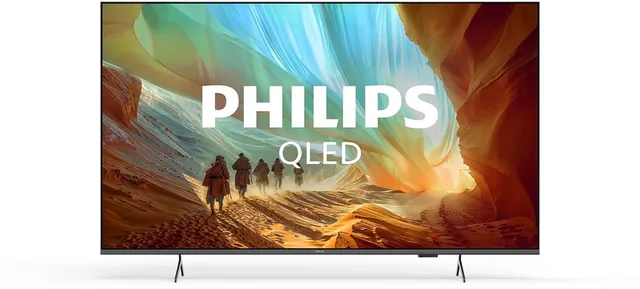
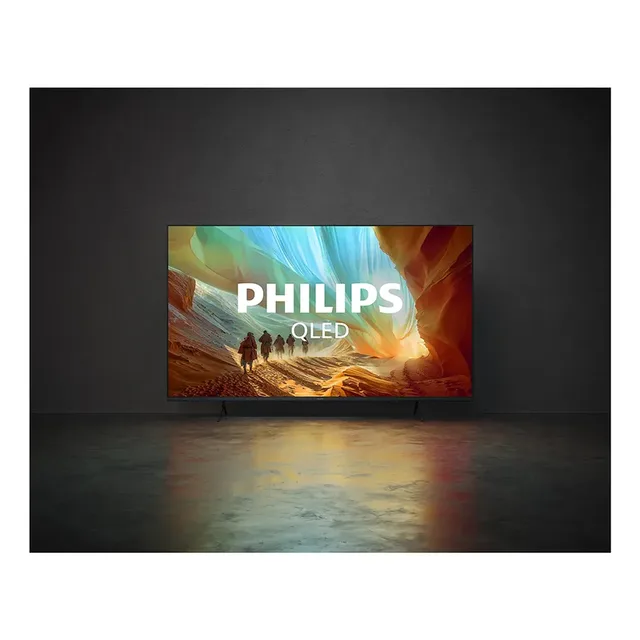
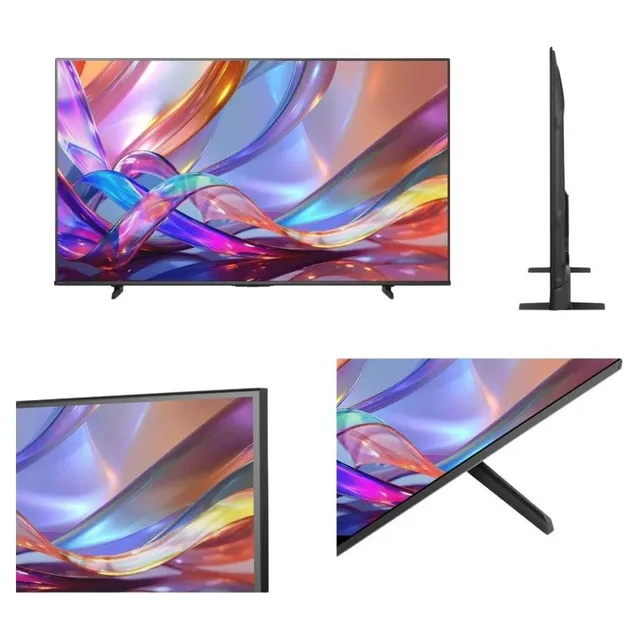
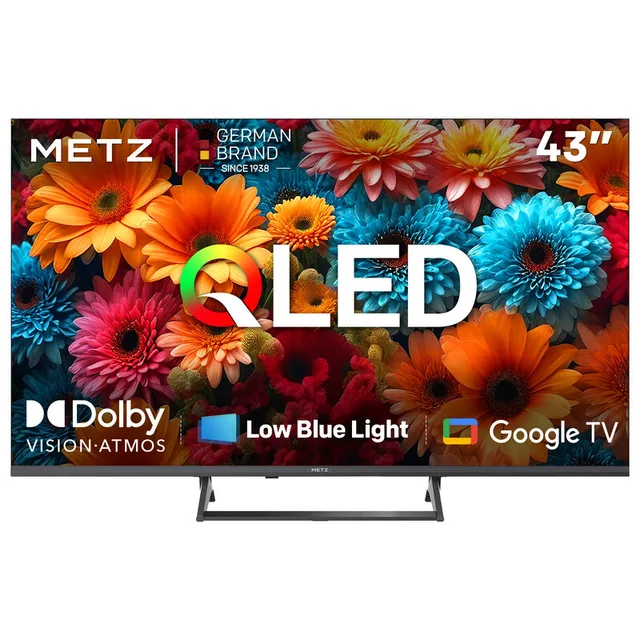
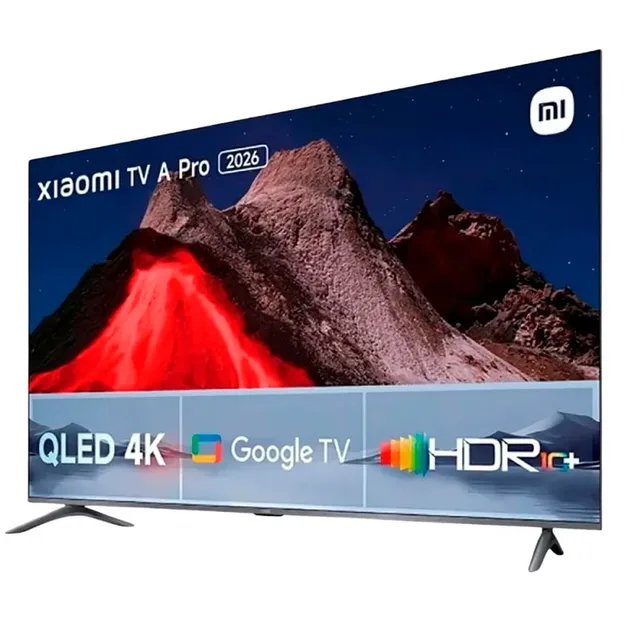
A QLED TV without Mini-LED has fewer, larger LEDs behind the screen, along the edge or in a grid. These TVs also come in small sizes, such as the Xiaomi TV A Pro 32. Philips, Hisense, Metz and TCL all have QLED models, such as the Philips PQS7801 55 inch and the Hisense 50Q7S. Every model is under QLED TVs.
QLED TVs
- Philips
QLED 55" PQS7801 (2026)
55″4KQLEDFrom €469.99 · at 4 shops
- Philips
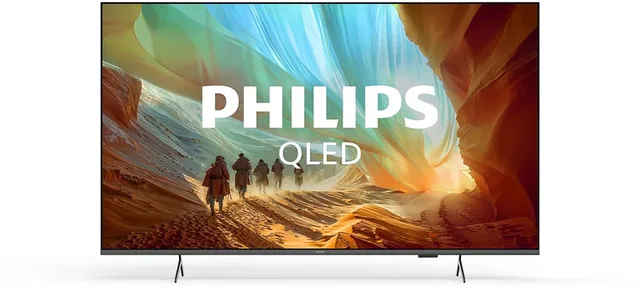
QLED 50" PQS7801 (2026)
50″4KQLEDFrom €396.98 · at 6 shops
- Hisense
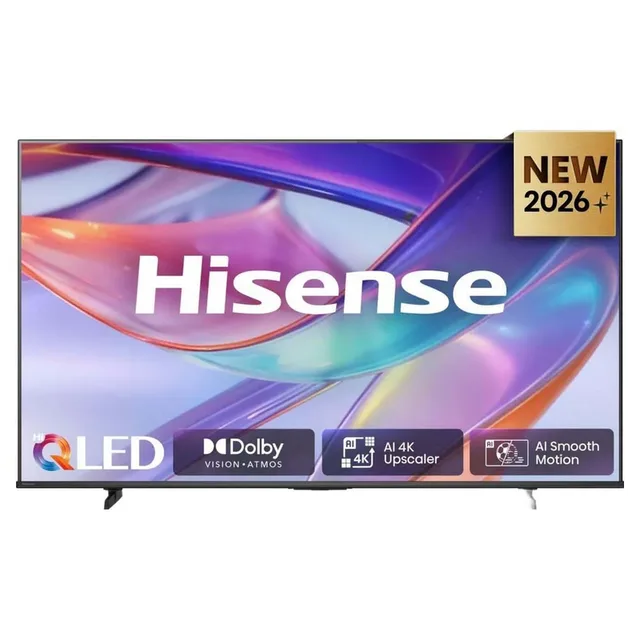
Tv 50q7s 50´´ 4k Qled
50″4KQLED€512.98 · at 1 shop
- Metz
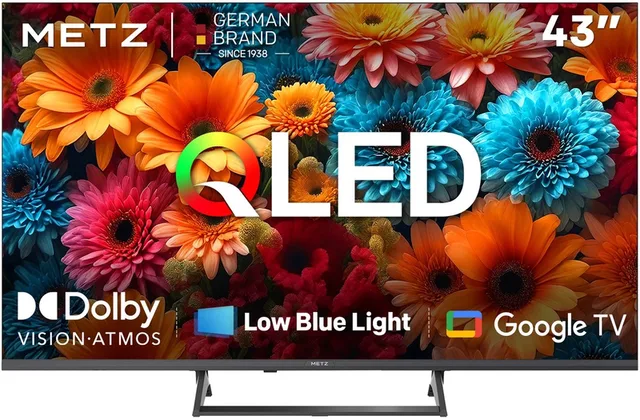
43MQF7500Z QLED TV 43 inch
4K UHD · Smart Google TV · HDR1043″4KQLEDFrom €280 · at 1 shop
Lowest in 26 days
- Xiaomi
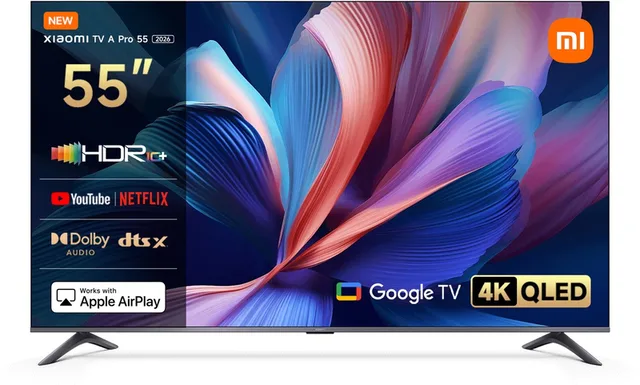
TV A Pro 2026 55 inch
4K QLED Google TV55″4KQLEDFrom €417.98 · at 2 shops
- Xiaomi
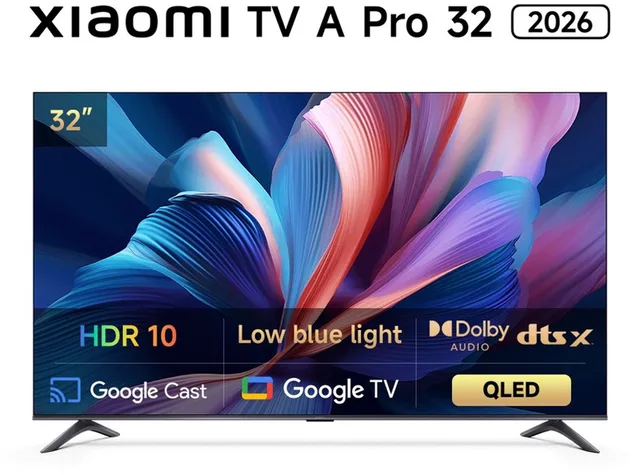
TV A Pro 32 2026
QLED Smart TV · 80 cm HD · Google TV32″HD ReadyQLEDFrom €167.48 · at 2 shops
Viewing angle and static images
Do several people often watch, some from the side? With OLED, the makers say colour and contrast hold up well at an angle. With LCD it depends on the panel type: the specifications sometimes say whether it is a VA or an IPS panel, or the maker names its own wide-angle technology.
If the same image stays on screen for a long time, such as a news channel with a fixed ticker or a game with a fixed score display, LG and Samsung mention burn-in as a point to watch with OLED: a faint after-image that stays. Their OLED TVs therefore have features that shift the picture slightly or dim a fixed logo, and a pixel refresh the TV runs by itself in standby. With LCD the light does not come from the pixels themselves, so this does not apply in the same way.
Energy label and sizes
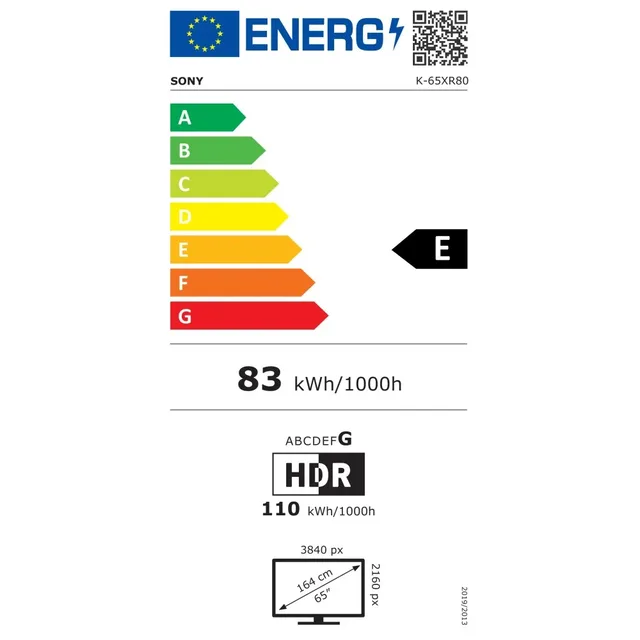
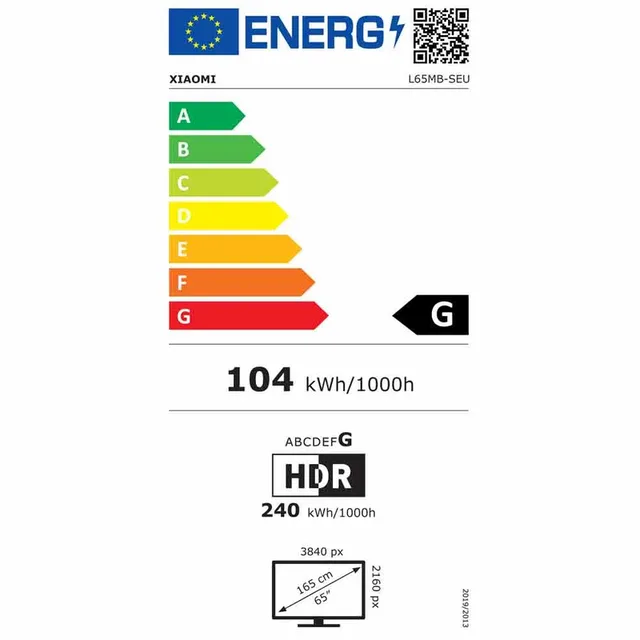
Every TV has a European energy label from A to G. For some models it is in the product name, as with LG's OLED42C6ELB. The label gives a class and the consumption for normal picture (SDR) and separately for HDR; with HDR and a bright picture mode a TV uses more.
The technology also decides which sizes exist. In our catalogue OLED starts at 42 inches, while QLED and Mini-LED come in everything from small to very large. All sizes and technologies together are under televisions. Which TV size suits your viewing distance? shows which size suits your room.
Frequently asked questions
What is the difference between QLED and OLED?
An OLED pixel makes its own light and can switch off completely. A QLED TV is an LCD screen with a backlight and a layer of quantum dots for colour. OLED therefore gives deeper black, while a bright QLED or Mini-LED often copes better with daylight.
Is Mini-LED the same as QLED?
Not quite. Mini-LED is about the backlight: many small LEDs in dimming zones. QLED is about the colour layer. Many Mini-LED TVs have both, such as Samsung's Neo QLED.
Can an OLED TV get burn-in?
LG and Samsung say it is possible with images that stay still for a long time. Their TVs have features to counter it. If you watch a lot of news channels or games with fixed on-screen elements, take that into account.
What is QNED?
QNED is LG's name for its LCD TVs with a colour layer. Some QNED models have a Mini-LED backlight, and then it says so in the name.
Keep looking
Couchowl doesn’t test devices itself. This guide sets out what manufacturers state.
Products from this guide
Popular products with a current price at the shops. Compare the prices on the product page.
- TCL
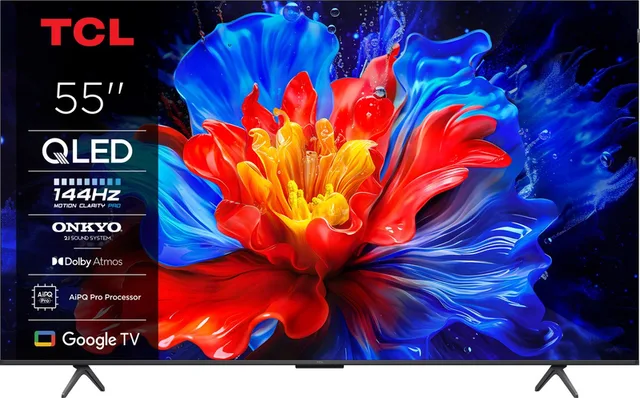
55P8K
2025 · 4K QLED · 144Hz55″4KQLED€599 · at 1 shop
- LG
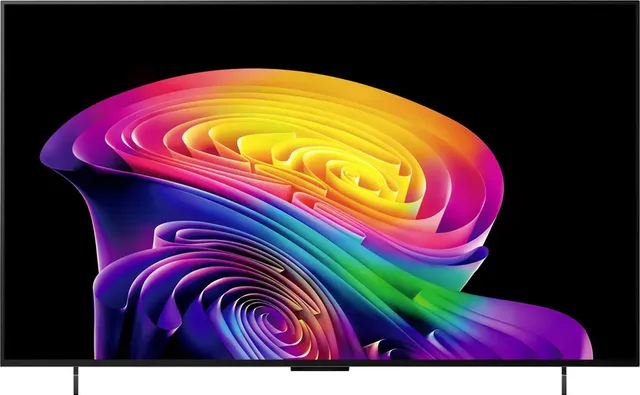
OLED42C6ELB 4K OLED evo AI OLED-TV 106 cm 42 inch Energielabel G
G)42″4KOLEDFrom €1,367.06 · at 1 shop
- Xiaomi
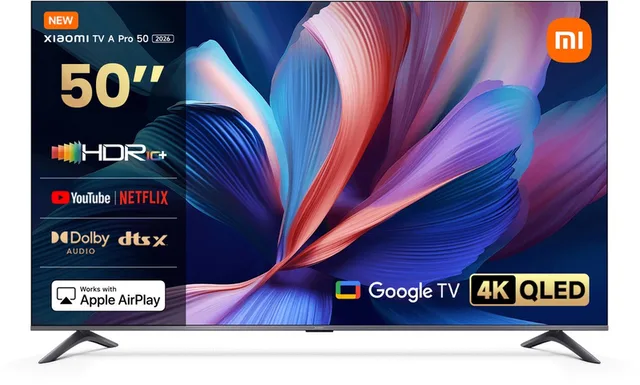
TV A Pro 2026 50 inch
4K QLED Google TV50″4KQLEDFrom €312.34 · at 3 shops
Lowest in 26 days
- LG
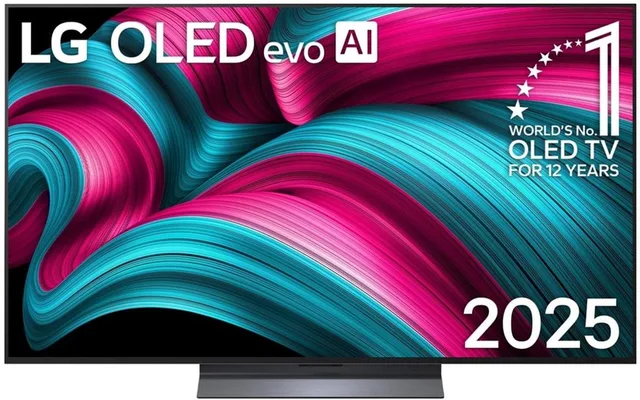
C5 OLED55C56LB
2025 · 4K OLED Evo · Smart TV55″4KOLED€1,040.88 · at 1 shop
Lowest in 26 days
- TCL
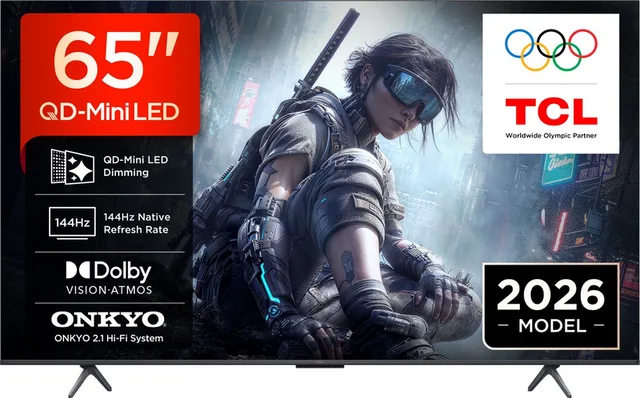
QD Mini-led 65" T8D (2026)
65″4KMini LEDFrom €699 · at 2 shops
Lowest in 26 days
More buying guides
- Google TV, Tizen or webOS: which smart TV system to choose? A smart TV's system comes with the brand and decides your apps, casting from your phone and how long the TV gets updates. Here is how to choose, and how a media player fills the gaps. Read the guide
- A TV for gaming: HDMI 2.1, 120 or 144 Hz, VRR and input lag A console or PC asks more of a TV than a film does. Here is how to check which ports handle 4K at 120 Hz, what VRR and ALLM do and which cable you need. Read the guide