Google TV, Tizen or webOS: which smart TV system to choose?
A smart TV's system comes with the brand and decides your apps, casting from your phone and how long the TV gets updates. Here is how to choose, and how a media player fills the gaps.
Popular picks from this guide
Popular products at today's lowest price. Compare every shop on the product page.
Short answer: A smart TV's system comes with the brand: Samsung uses Tizen, LG uses webOS, Sony, TCL and Metz use Google TV, and Xiaomi Google TV or Fire TV, depending on the series. Check above all whether your apps are available, whether you want to cast from Android or iPhone, and how long the maker promises updates. If something is missing, a separate media player fills the gap.
What follows comes from the makers themselves (Google, Amazon, Apple, Samsung and LG) and from the product names in our catalogue. Couchowl tests no TVs itself. Exactly which apps are in an app store changes by country and by year, so look in the system's app store before you buy.
Which system is on which TV?
The operating system decides the menu, the app store, the voice assistant and how you send something from your phone to the TV. You usually don't choose it separately: it comes with the brand.
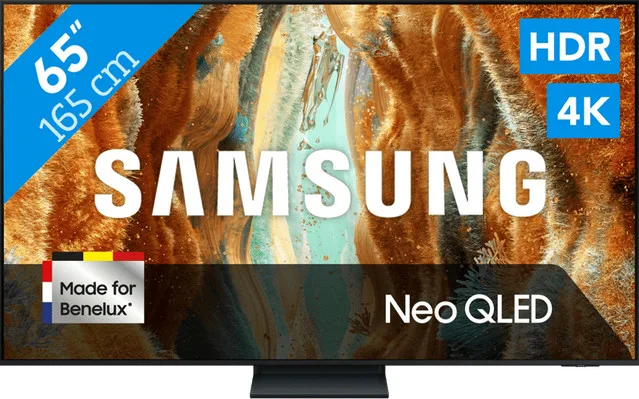
- Tizen: Samsung, such as the QE50QN70H.
- webOS: LG. The names of the new models say "webOS 26", as with the 55QNED85B6B.
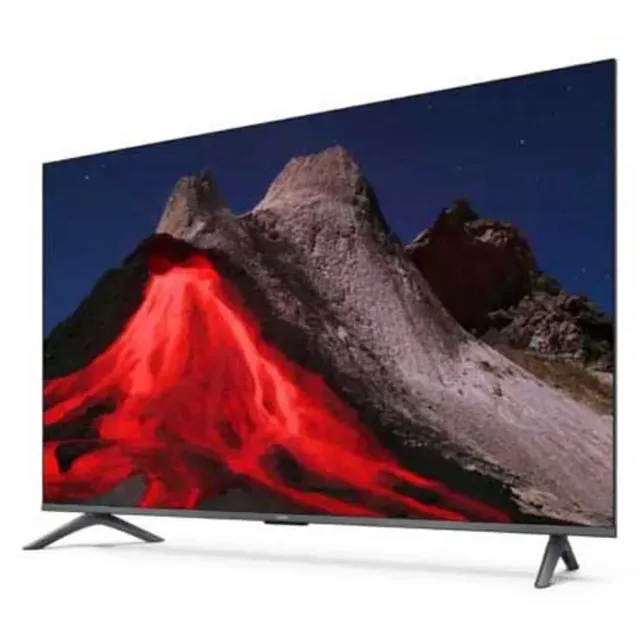
- Google TV: Sony, TCL, Xiaomi and Metz among others, such as the Xiaomi TV A Pro 55 and the TCL 65P61K.
- Fire TV: Amazon's system. Xiaomi gives Fire OS 8 for the TV F Pro 50.
- VIDAA: Hisense's system, which in our catalogue also runs on Medion and Salora TVs, such as the Salora QLED55UV1.
Philips uses different systems in different ranges; which one is in the model's specifications.
TVs with different systems
- Samsung
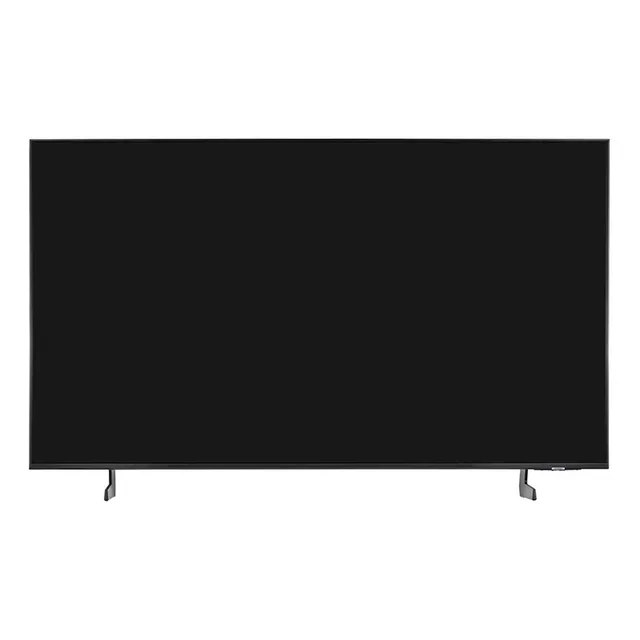
Qe50qn70h 50´´ 4k Neo Qled Tv
50″4KQLEDFrom €525 · at 2 shops
Lowest in 20 days
- LG
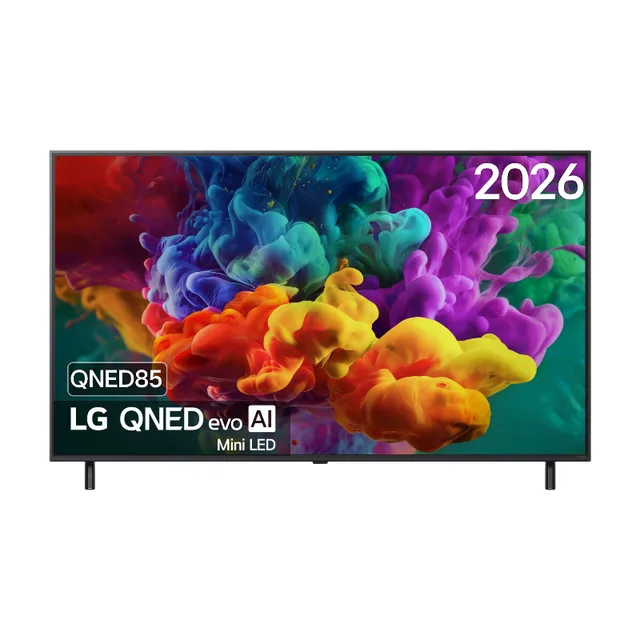
55QNED85B6B 55 inch QNED evo Mini LED 4K Smart TV
144 Hz VRR · Dolby Vision · Dolby Atmos55″4KMini LEDFrom €949 · at 2 shops
- Xiaomi
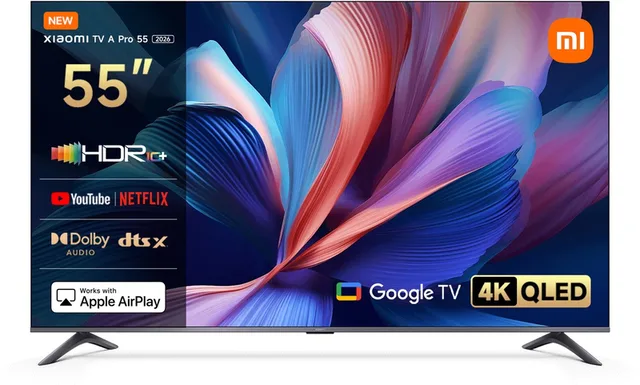
TV A Pro 2026 55 inch
4K QLED Google TV55″4KQLEDFrom €417.98 · at 2 shops
- TCL
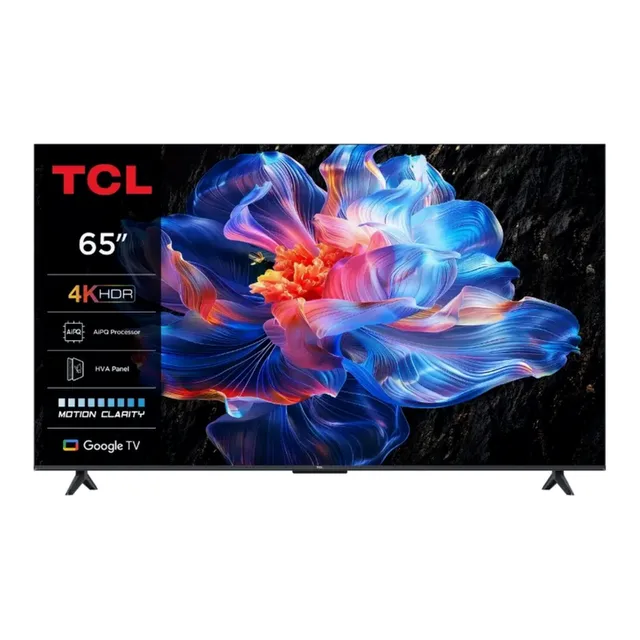
65P61K 65" Smart TV LED 4K
HDR10 · HDMI 2.1 · Game Master65″4KQLED€566 · at 1 shop
- Xiaomi
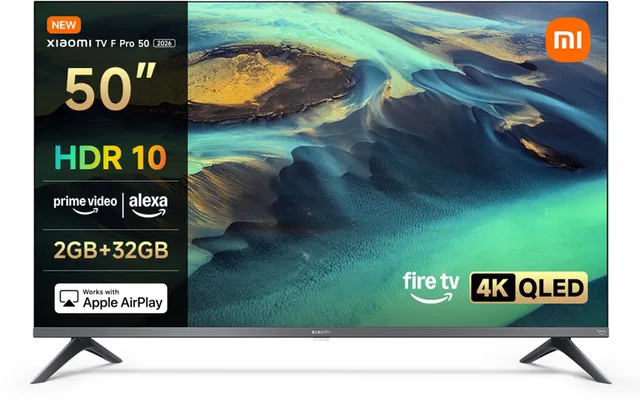
TV F Pro 50 127 cm (50 inches)
4K UHD QLED · Smart TV · Fire OS850″4KQLED€399 · at 1 shop
- Salora
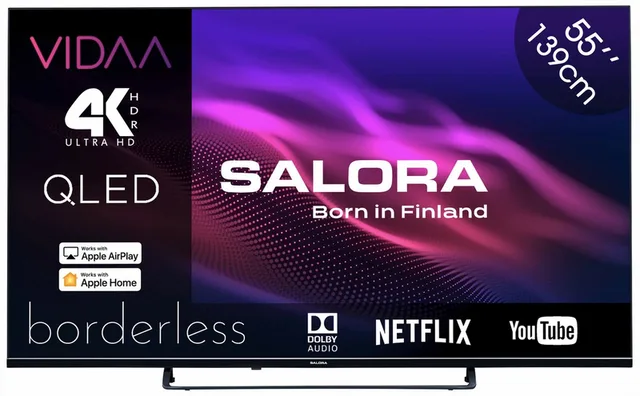
QLED55UV1
55 inch QLED Smart TV · 4K Ultra HD55″4KQLEDFrom €399 · at 2 shops
Apps: check the app store
The big streaming services are on every system, but smaller and local apps are not always. Google TV uses the Google Play Store, Fire TV the Amazon Appstore, and Samsung and LG each have their own store. Check beforehand that the apps you use every week are there, including your TV provider's app.
According to Google, Google TV has a basic mode without apps and without a Google account, in which the TV works as an ordinary TV with its inputs and tuner. For the app store you do need a Google account, and for Fire TV an Amazon account.
Casting from your phone
If you want to put a video or photos from your phone on the TV, what counts is which protocol the TV supports. Google TV has Google Cast built in, so you tap the cast button in apps on Android and iPhone. Apple says AirPlay 2 is built into TVs from Samsung and LG among others, and with other brands it is often in the name: Xiaomi lists "AirPlay, Google Cast & Miracast" for the TV A Pro, TCL "Apple AirPlay 2" for the 98RM7L. If you use an iPhone, check that AirPlay is listed.
Voice and control
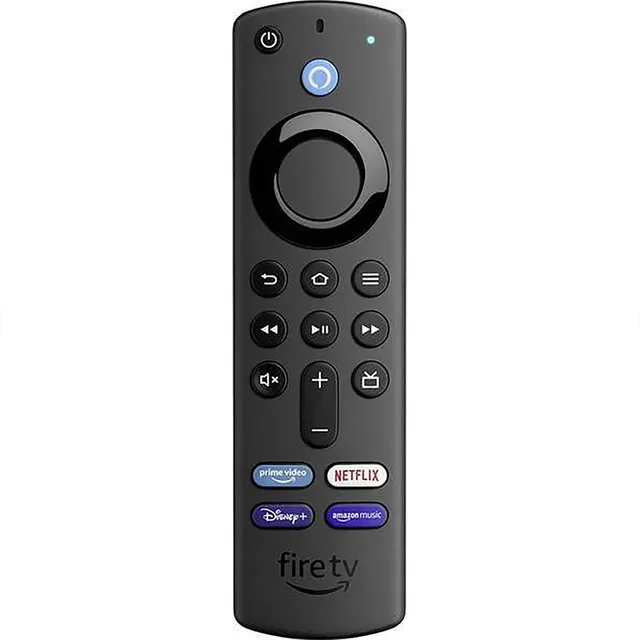
Every system has its own voice assistant on the remote. On Google TV it is Google Assistant, on Fire TV it is Alexa (Xiaomi mentions "Alexa Voice Control" for the F Pro), on Samsung it is Bixby and on LG webOS's own voice control. If you already have a smart speaker from one of those brands at home, the same assistant on the TV works with it most easily.
Updates: how long will the TV keep up?
A smart TV receives software updates for security, apps and sometimes new features. Samsung promises up to seven years of free Tizen upgrades, counted from the launch year, for its TVs launched in 2023 or later. With its webOS Re:New programme, LG promises four upgrades over five years for a large part of its range; availability differs per model and country for both makers. Other brands state their update policy per model or in their terms; ask if it matters to you.
A media player as an addition
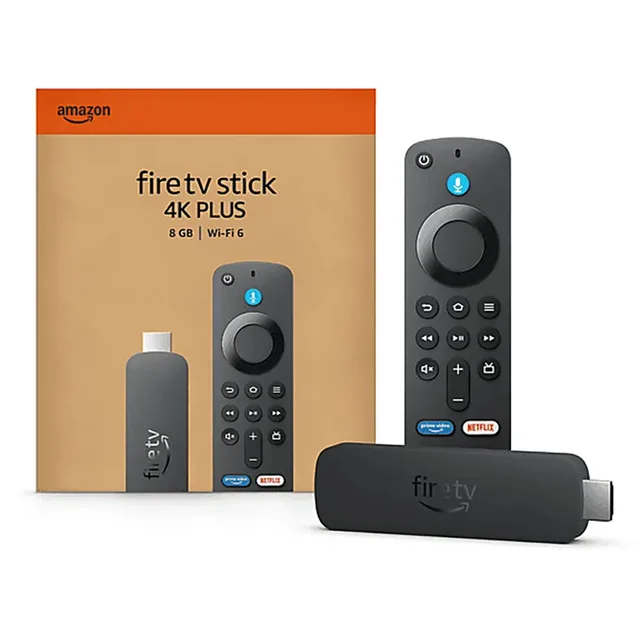
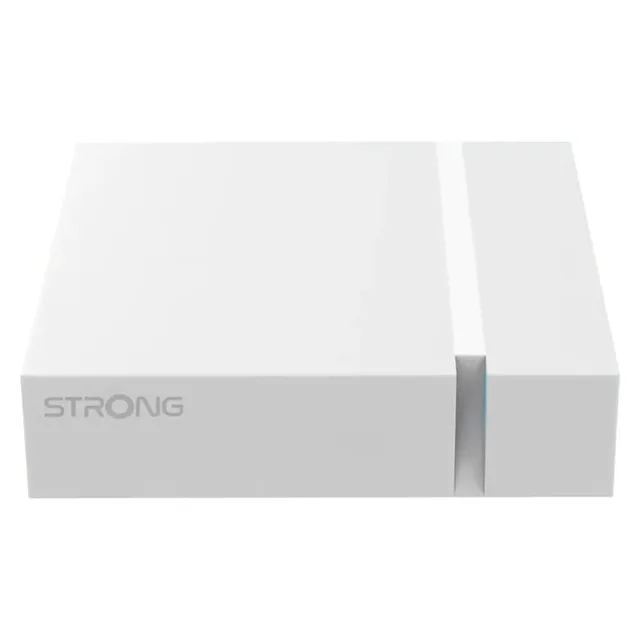
If your app is not on the TV, the system gets slow or you want a different menu, plug a media player into an HDMI port. You then choose the system yourself, separately from the TV brand. Examples from our catalogue: the Google TV Streamer, the Fire TV Stick 4K, the Strong Leap-S3 with Android TV and the Xiaomi TV Stick 4K with Google TV. Every model is under media players.
Media players
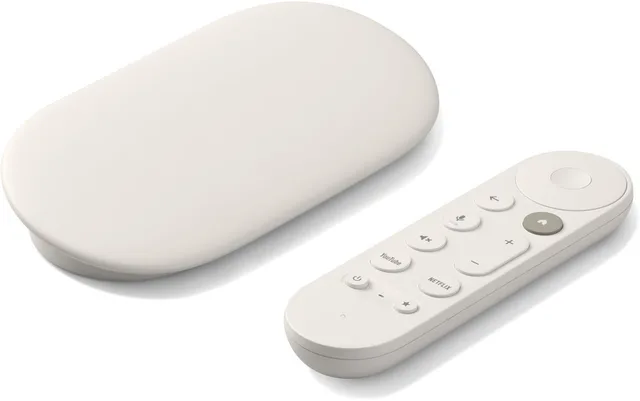
TV Streamer
4KFrom €139 · at 2 shops
- Amazon
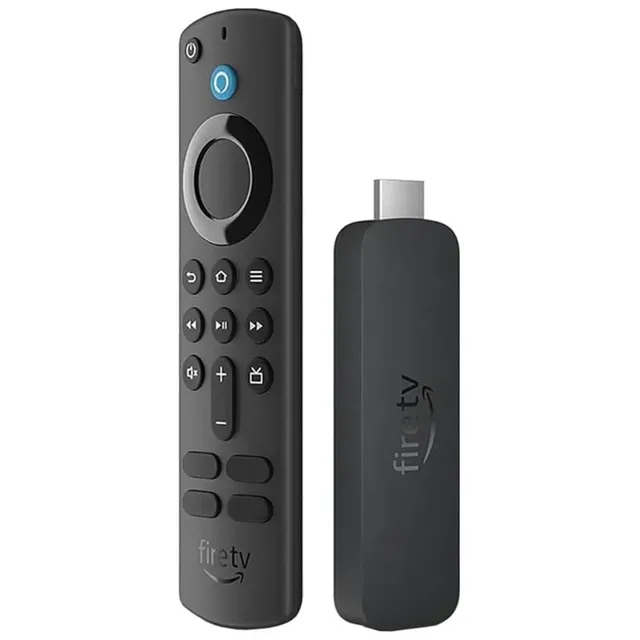
Fire Tv Stick 4k 2e Generatie 2024 Streamingmediaspeler
4KFrom €60.98 · at 2 shops
- Amazon
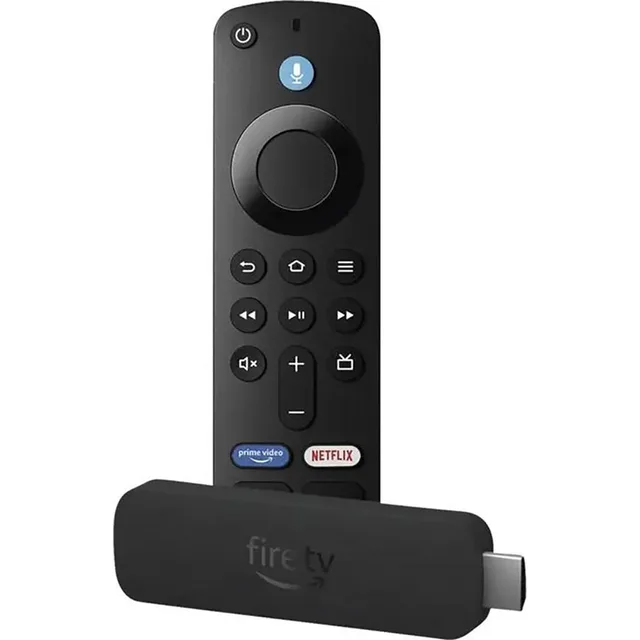
Fire Tv Stick 4k Plus Mediastreamer
4KFrom €51.62 · at 2 shops
- Strong
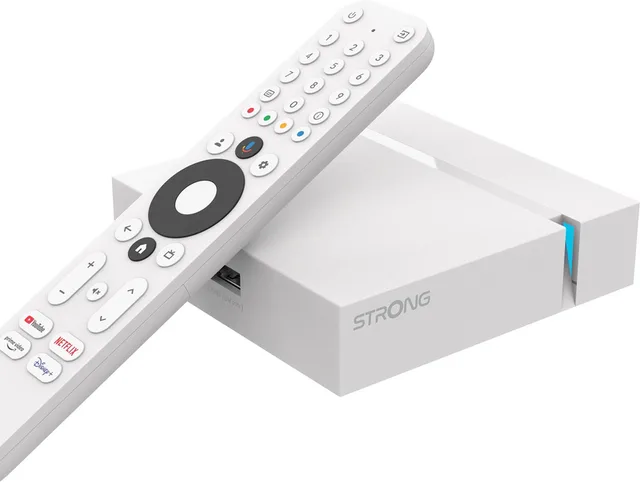
Streaming Box Android TV 4K UHD
Leap-S3+V2 · Chromecast ingebouwd4KFrom €58.01 · at 3 shops
Lowest in 25 days
- Xiaomi
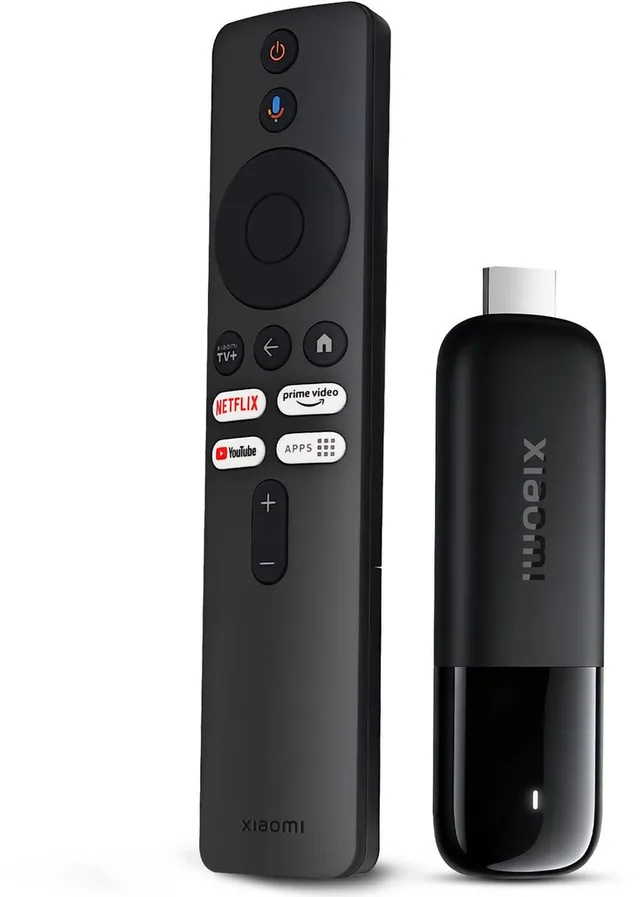
TV Stick 4K (2nd Gen)
Stream in 4K met Google TV en WiFi 64KFrom €79 · at 3 shops
- Homatics
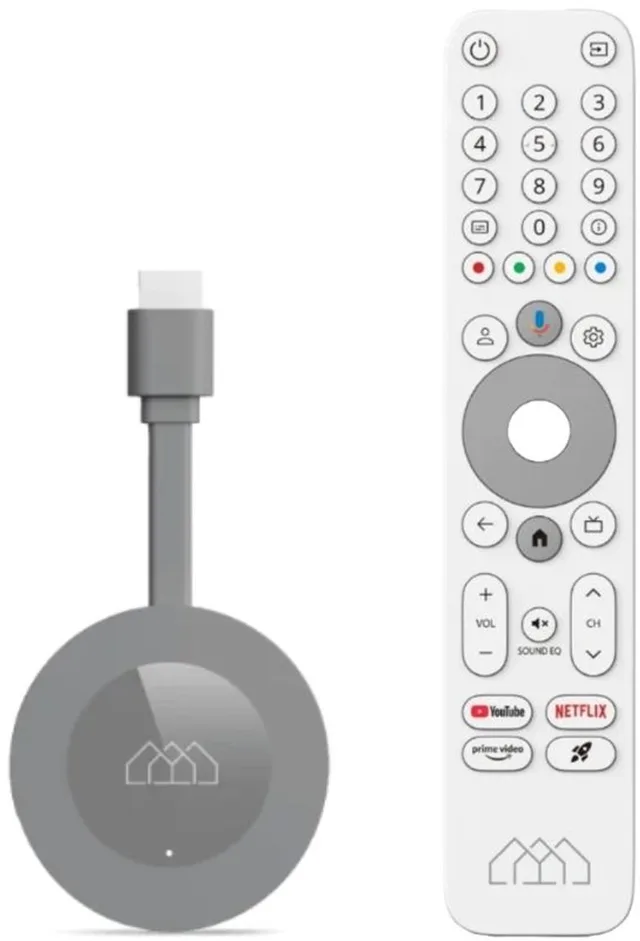
Dongle G 4K
Streaming Mediaspeler · Android 144K€69 · at 1 shop
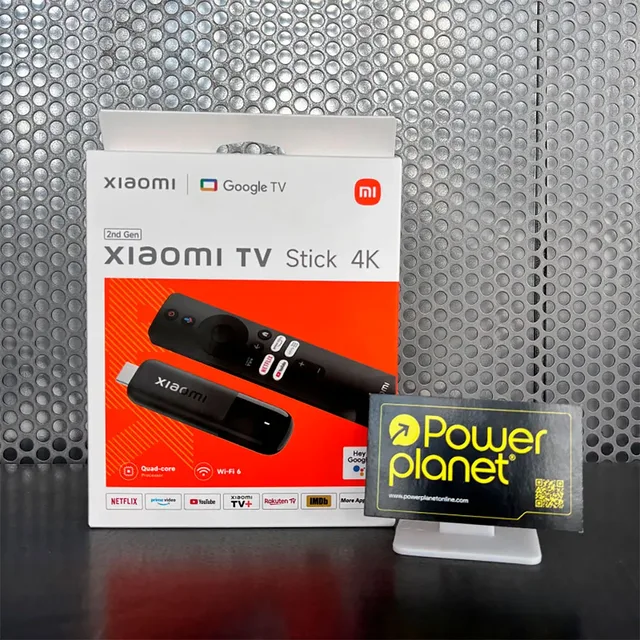
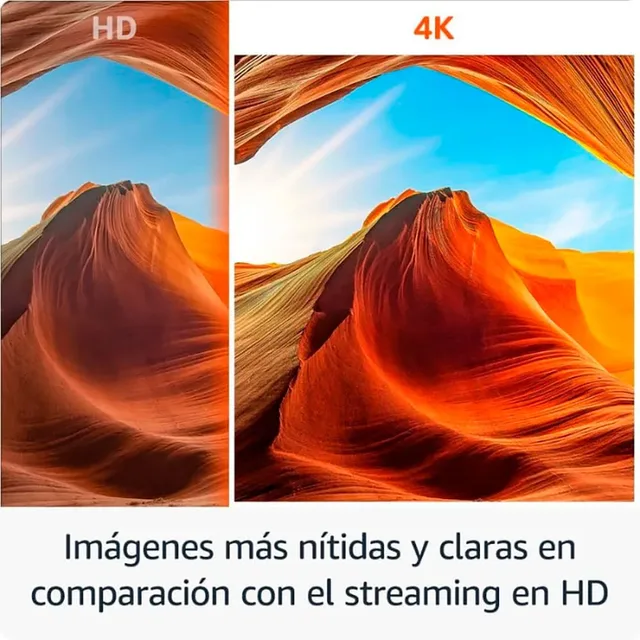
With a stick, check that it supports 4K and HDR if your TV does, and whether a power adapter is included: a TV's USB port does not always supply enough power. All TVs are under televisions.
Frequently asked questions
What is the difference between Google TV and Android TV?
Google TV is Google's newer layer on top of Android TV, with a home screen that shows films and series from your apps together. New TVs with Google software mostly run Google TV; some media players, such as the Strong Leap-S3, still run Android TV.
Can I put Google TV on a Samsung or LG?
Not on the TV itself: Samsung and LG use their own systems. With a Google TV media player in an HDMI port you do get it on your screen.
Do I need a smart TV if I have a media player?
No. With a media player you use the TV only as a screen. A smart TV has the advantage that you need just one remote.
Does AirPlay work on every TV?
No. Apple lists the brands and models with AirPlay 2 itself. For other TVs it is in the specifications, or you use an Apple TV.
Keep looking
Couchowl doesn’t test devices itself. This guide sets out what manufacturers state.
Products from this guide
Popular products with a current price at the shops. Compare the prices on the product page.
- Amazon
Fire Tv Stick 4k 2e Generatie 2024 Streamingmediaspeler
4KFrom €60.98 · at 2 shops
- Samsung

The Frame Pro QE75LS03H
2026 · 4K Neo QLED55″4KQLEDFrom €2,499 · at 4 shops
- Amazon
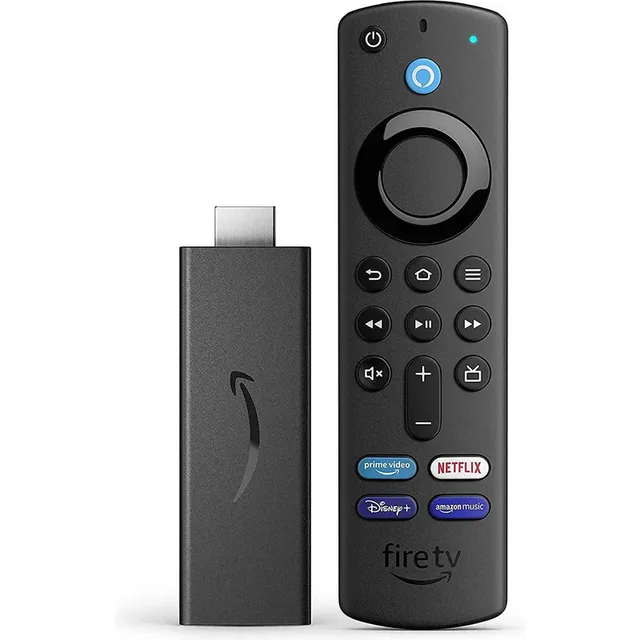
Fire Tv Stick Hd Streamingmediaspeler
Full HDFrom €45.48 · at 2 shops
- Samsung
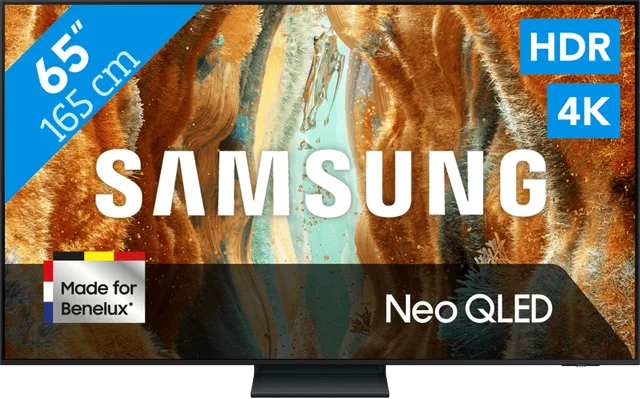
65" Neo QLED QN73F 4K (2025)
65″4KQLED€799 · at 1 shop
- Amazon
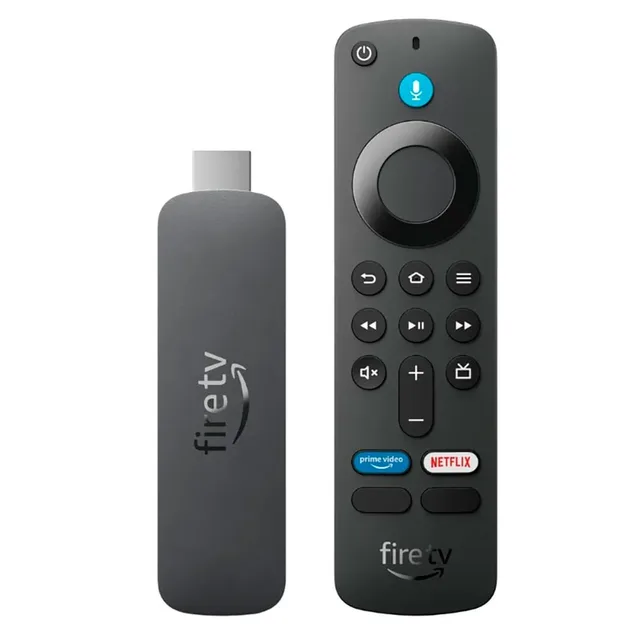
Fire Tv Stick 4k Select Mediaspeler
4KFrom €46.98 · at 2 shops
More buying guides
- OLED, QLED or Mini-LED: which screen suits your room? OLED, QLED and Mini-LED make the picture in different ways. Which one suits you depends mostly on how much light your room gets and what you watch. Read the guide
- A TV for gaming: HDMI 2.1, 120 or 144 Hz, VRR and input lag A console or PC asks more of a TV than a film does. Here is how to check which ports handle 4K at 120 Hz, what VRR and ALLM do and which cable you need. Read the guide