A TV for gaming: HDMI 2.1, 120 or 144 Hz, VRR and input lag
A console or PC asks more of a TV than a film does. Here is how to check which ports handle 4K at 120 Hz, what VRR and ALLM do and which cable you need.

Popular picks from this guide
Popular products at today's lowest price. Compare every shop on the product page.
Short answer: For a PS5 or Xbox Series X, look for a TV that handles 4K at 120 Hz through an HDMI 2.1 port, with VRR and ALLM. 144 Hz only matters if you connect a PC. Use an Ultra High Speed HDMI cable, or you won't reach 4K at 120 Hz.
The facts below come from the makers: the HDMI organisation (HDMI Licensing Administrator), Sony and Microsoft for the consoles, AMD and NVIDIA for PCs, and the product names in our catalogue. Couchowl tests no TVs and measures no lag itself; check the model's specifications for exact figures.
What does your console or PC ask for?
Start with what you plug in. Sony gives up to 4K at 120 Hz and VRR over HDMI 2.1 for the PS5. Microsoft gives up to 120 frames per second, VRR and ALLM for the Xbox Series X; the Series S outputs up to 1440p at 120 Hz. So a console never sends more than 120 Hz. A PC with a recent graphics card can do more, and that is where 144 Hz and higher come in.
If you mostly play games that run at 60 frames per second, a 120 Hz TV is not a must. With fast shooters and racing games that have a 120 Hz mode you do notice it: motion looks smoother.
HDMI 2.1: check which ports can do it
According to the HDMI Licensing Administrator, HDMI 2.1 reaches up to 48 Gbit/s and makes 4K at 120 Hz, 8K at 60 Hz, VRR and ALLM possible, among other things. A TV may be called "HDMI 2.1" without having all of those features. So check in the specifications which features it has and on how many ports 4K 120 Hz works. On some TVs it is not all four.
If you also connect a soundbar over eARC, check whether that port is one of the fast ones. With a console and a soundbar, you ideally want a fast port for the console that is not the eARC port.
In our catalogue HDMI 2.1 is in the name of the LG 55QNED93B6A, the TCL 65P61K and the LG 55MRGB86B9A, among others.
120 Hz or 144 Hz?
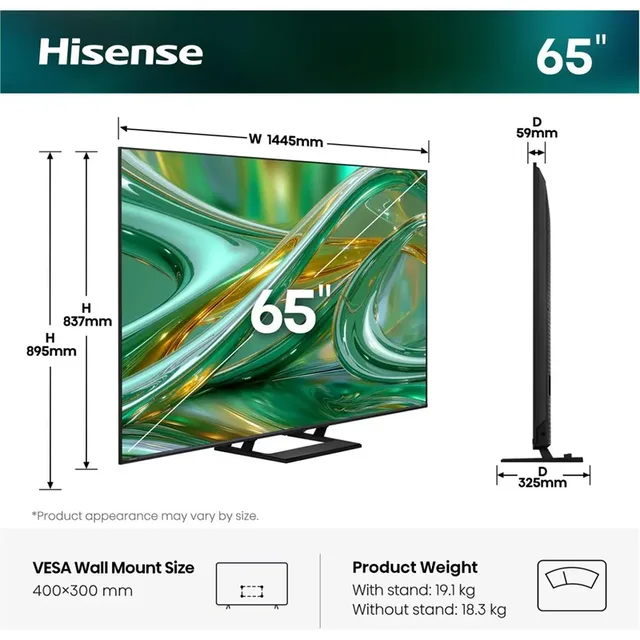
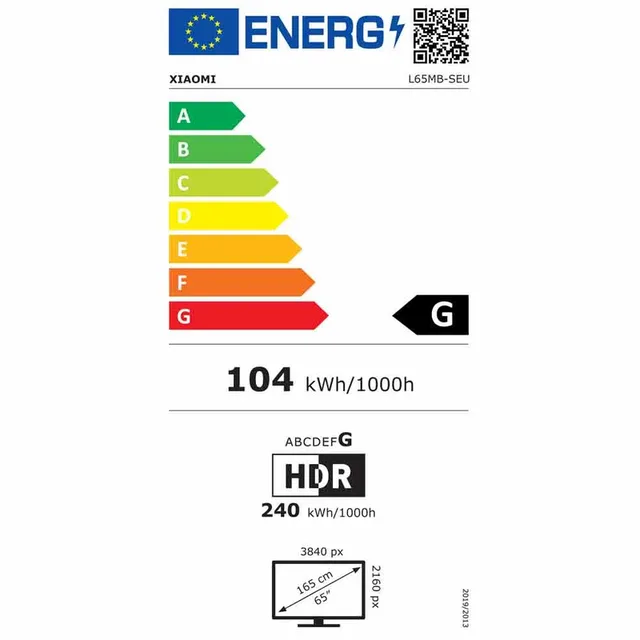
The figure in hertz is how many times per second the screen shows a new image. For consoles 120 Hz is enough. Some TVs go up to 144 Hz for PCs: Hisense lists "Native 144Hz Game Mode" for the 65E8S, Xiaomi 144 Hz for the TV S Pro Mini LED 65 and LG 144 Hz VRR for the 55QNED85B6B.
Mind the difference between a panel that is 120 Hz itself and a game mode that reaches 120 Hz by giving up something else. For the TV F Pro 50 Xiaomi lists a 60 Hz panel with a "120Hz Game Boost Mode". Check in the specifications at which resolution such a mode works.
TVs with 120 or 144 Hz
- Hisense
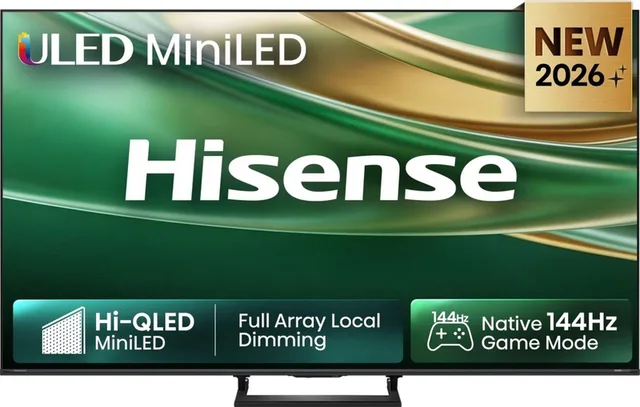
65E8S Smart TV
2026 · 4K Hi-QLED MiniLED · 600 nits65″4KMini LEDFrom €799 · at 2 shops
Lowest in 20 days
- Xiaomi
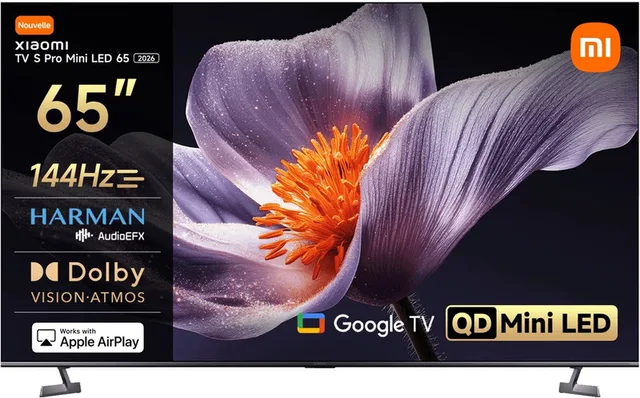
TV S Pro Mini LED 65 2026
QD-Mini LED Smart TV · 4K Ultra HD4KMini LEDFrom €829 · at 2 shops
- LG
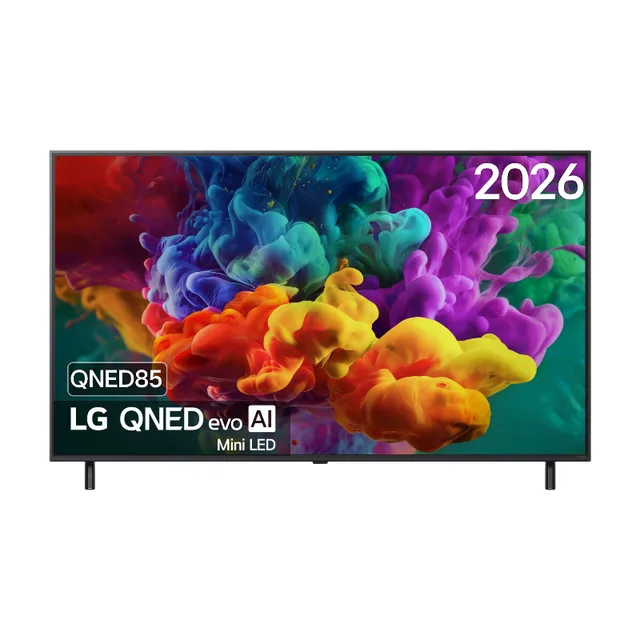
55QNED85B6B 55 inch QNED evo Mini LED 4K Smart TV
144 Hz VRR · Dolby Vision · Dolby Atmos55″4KMini LEDFrom €949 · at 2 shops
- LG
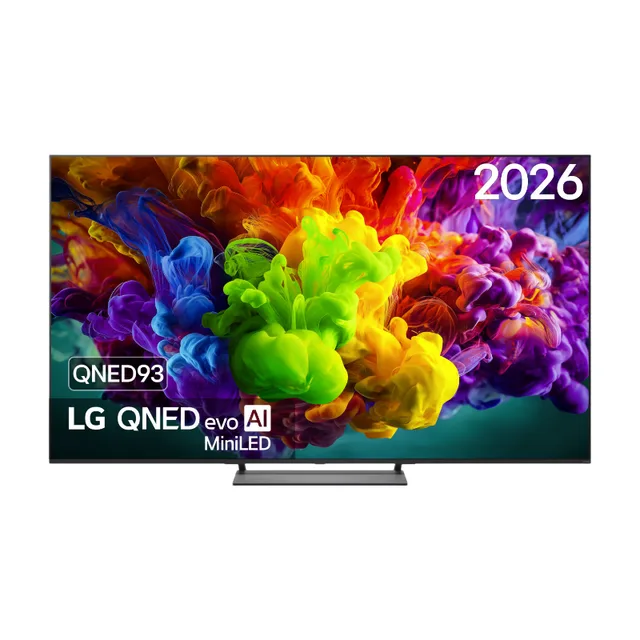
55QNED93B6A 55 inch QNED evo AI Mini LED 4K Smart TV
120 Hz · VRR 144 Hz · Dolby Vision55″4KMini LEDFrom €999 · at 2 shops
- LG
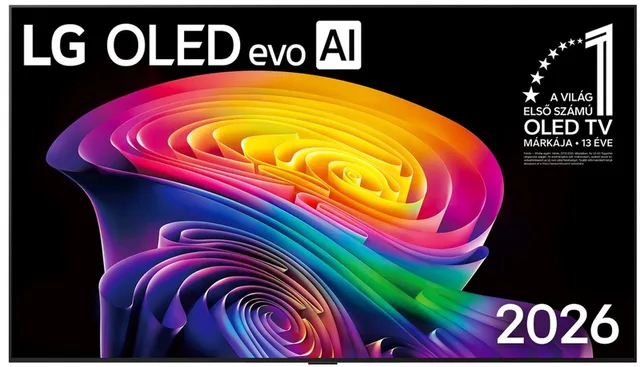
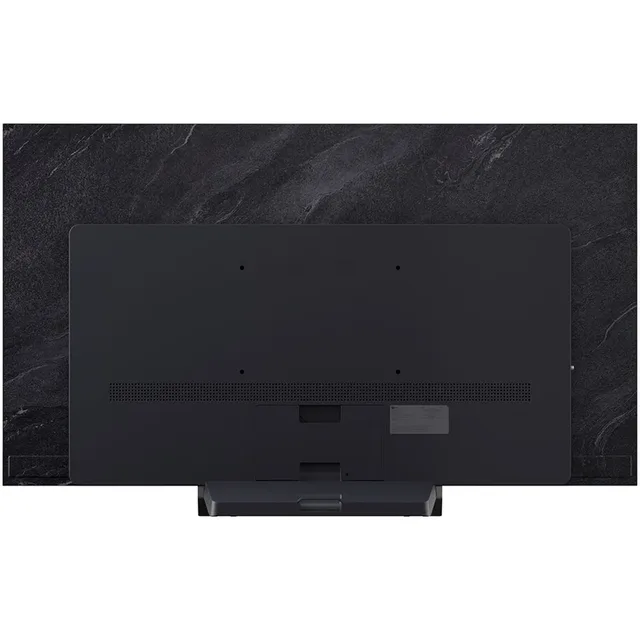
C6 OLED55C61LA
2026 · 4K OLED · Smart TV55″4KOLEDFrom €1,199 · at 2 shops
Lowest in 20 days
- LG
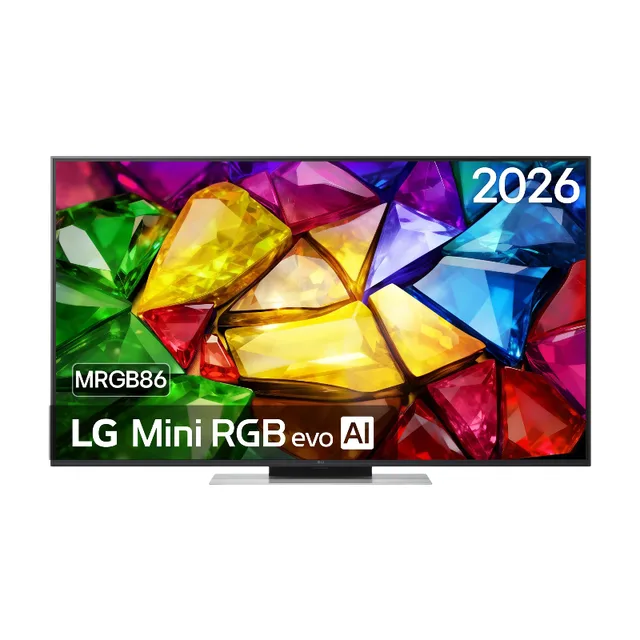
55MRGB86B9A 55 inch Mini RGB evo AI 4K Smart TV
α8 Gen3 AI Processor · 120 Hz55″4KFrom €979 · at 2 shops
VRR, ALLM and game mode
VRR (variable refresh rate) lets the TV match its pace to the console or PC. If a game briefly drops below 120 frames per second, the HDMI Licensing Administrator says VRR reduces or removes stutter and tearing. There are three flavours: HDMI VRR (HDMI's own standard, used by the consoles), AMD FreeSync and NVIDIA G-Sync Compatible for PCs. LG lists FreeSync for its QNED models and AMD FreeSync for the 55MRGB86B9A.
ALLM (Auto Low Latency Mode) switches the TV to game mode by itself as soon as the console starts a game. In game mode the TV turns off picture processing that takes time, so your button press reaches the screen sooner. That delay is called input lag. Some makers give a figure in milliseconds in the specifications; if so, compare figures stated the same way, for example both in game mode at 4K.
OLED or Mini-LED for gaming
Both can do 120 Hz and VRR, such as LG's OLED C6 and the Mini-LED TVs from Hisense and Xiaomi. The difference is in the screen itself: OLED gives deep black, Mini-LED more brightness. LG and Samsung mention burn-in as a point to watch with OLED when images stay still for a long time, such as a fixed score display. If you play the same game for hours a day, take that into account.
For HDR in games, many TVs, LG's among them, have an HGIG setting (HDR Gaming Interest Group, a group Sony and Microsoft set up with TV makers): the TV then leaves the adjustment of brightness to the console and the game. Microsoft also supports Dolby Vision for games on the Xbox Series; check whether your TV can do it if you have an Xbox.
The cable: Ultra High Speed HDMI
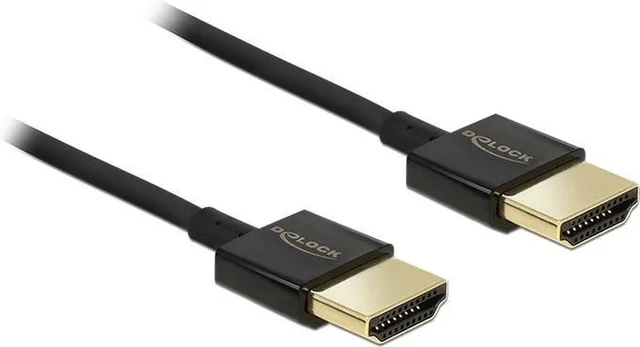
For 4K at 120 Hz you need a cable rated for 48 Gbit/s. It is called Ultra High Speed HDMI and, according to the HDMI Licensing Administrator, carries a certification label on the packaging. An older High Speed cable does not have the bandwidth. Sony says an HDMI 2.1 cable comes with the PS5; if you need a longer one, choose an Ultra High Speed cable.
Ultra High Speed HDMI cables
- Nedis
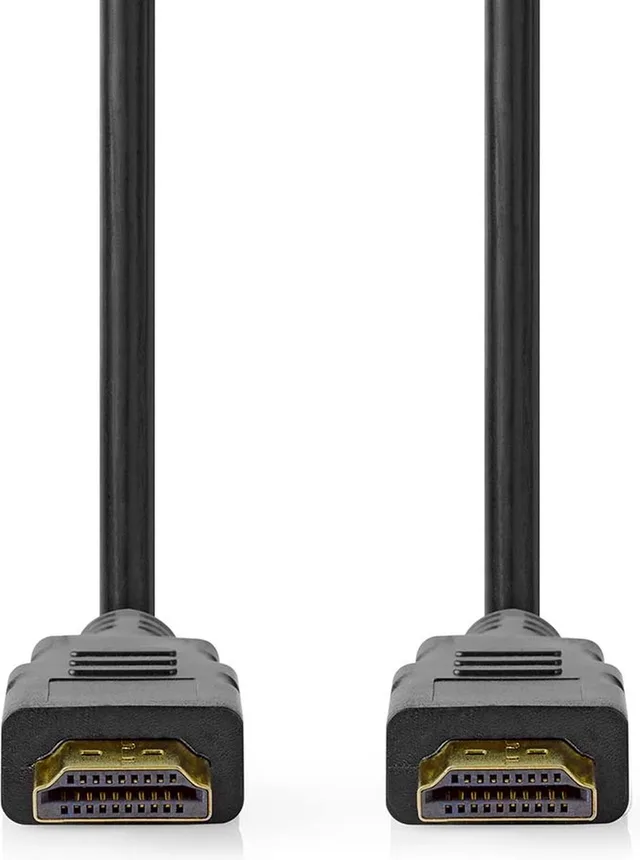
Ultra High Speed HDMI-Kabel
HDMI Connector · 8K@60Hz · 48 Gbps2 m8KFrom €13.48 · at 4 shops
- Nedis
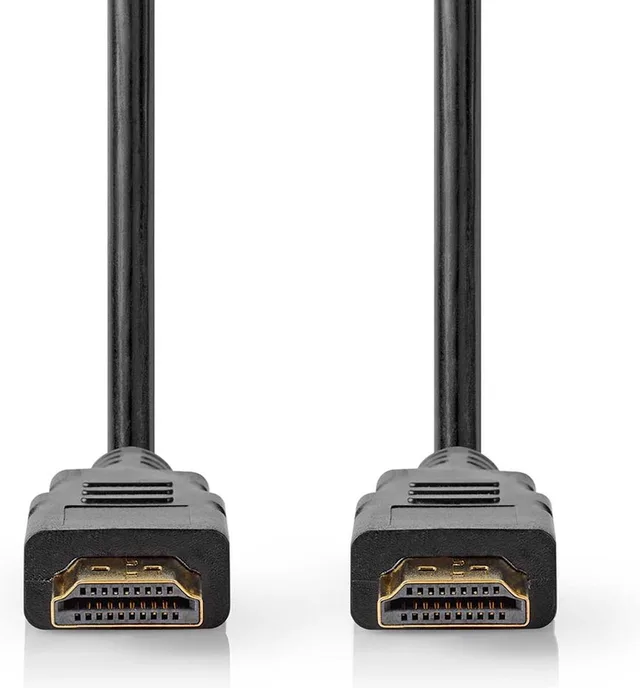
Ultra High Speed HDMI-Kabel
HDMI Connector · 8K@60Hz · 48 Gbps1 m8KFrom €9.98 · at 2 shops
Lowest in 25 days
- Nedis
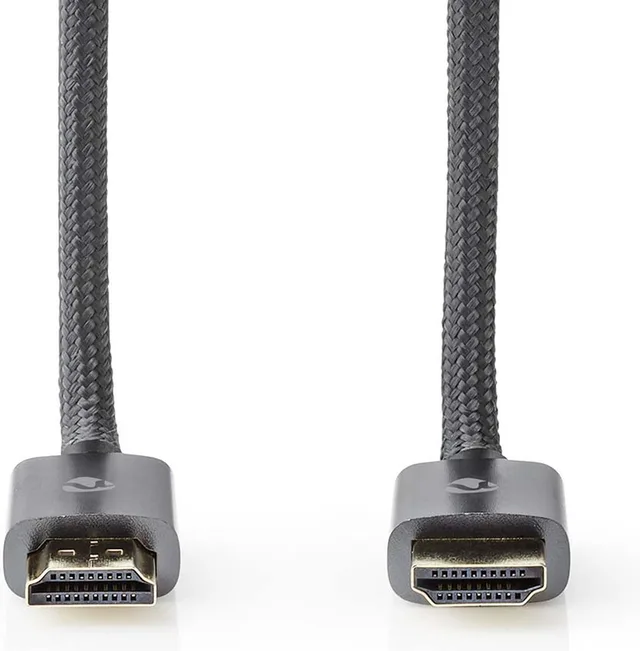
Ultra High Speed HDMI-Kabel
HDMI Connector · 8K@60Hz · 48 Gbps3 m8KFrom €24.98 · at 4 shops
Lowest in 25 days
- Nedis
Ultra High Speed HDMI-Kabel
HDMI Connector · 8K@60Hz · 48 Gbps5 m8KFrom €26.98 · at 3 shops
- Delock
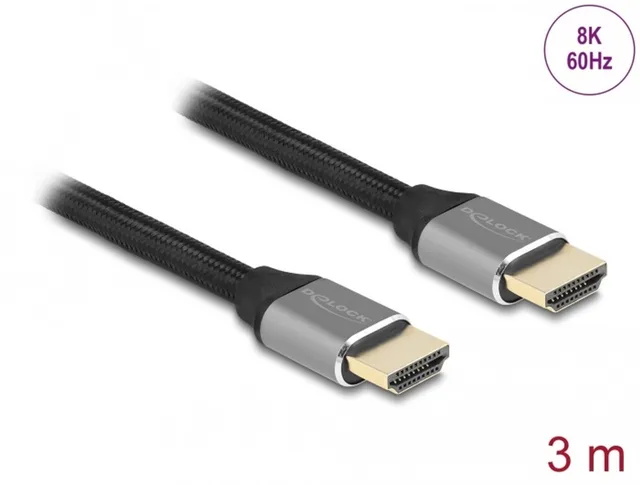
Ultra High Speed HDMI Cable 48 Gbps 8K 60 Hz grey 3 m certified
3 m8KFrom €22.94 · at 2 shops
Lowest in 24 days
- Nedis
Ultra High Speed HDMI-Kabel
HDMI Connector · 8K@60Hz · 48 Gbps3 m8KFrom €15.98 · at 3 shops
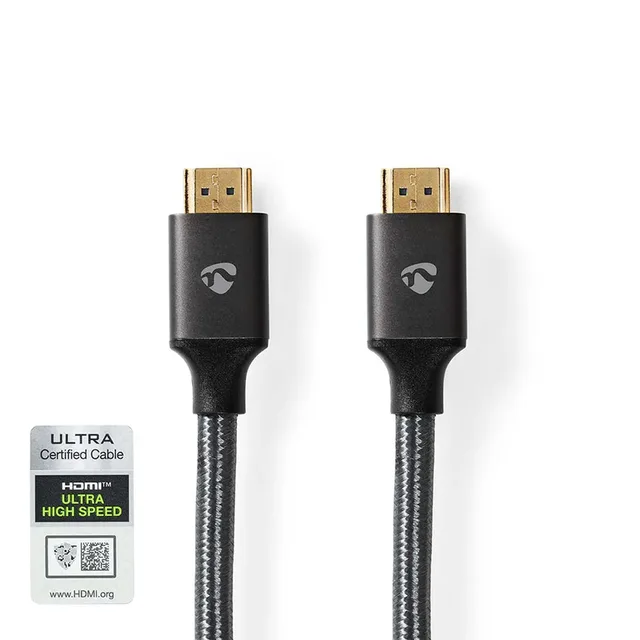
All cables are under HDMI cables, all TVs under televisions.
Frequently asked questions
Do I need a 144 Hz TV for the PS5?
No. The PS5 and the Xbox Series X output up to 120 Hz. 144 Hz is for PCs.
Does 4K 120 Hz work on every HDMI port?
Not always. Check in the specifications which ports support 4K 120 Hz; on some TVs it is two of the four.
What is the difference between VRR and FreeSync?
VRR is the general name. HDMI VRR is HDMI's own standard, which the consoles use. FreeSync is AMD's version and G-Sync Compatible is NVIDIA's, both mainly for PCs.
Which HDMI cable do I need for 4K 120 Hz?
An Ultra High Speed HDMI cable, made for 48 Gbit/s. It says so by name on the packaging.
Keep looking
Couchowl doesn’t test devices itself. This guide sets out what manufacturers state.
Products from this guide
Popular products with a current price at the shops. Compare the prices on the product page.
- Delock
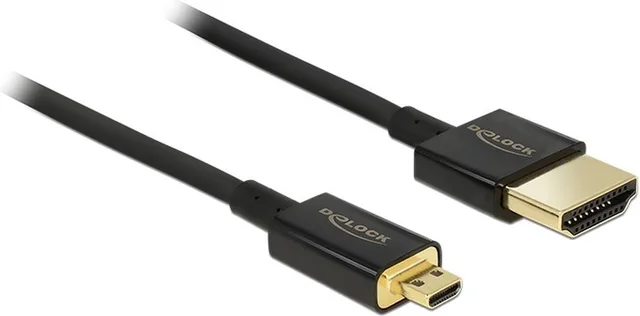
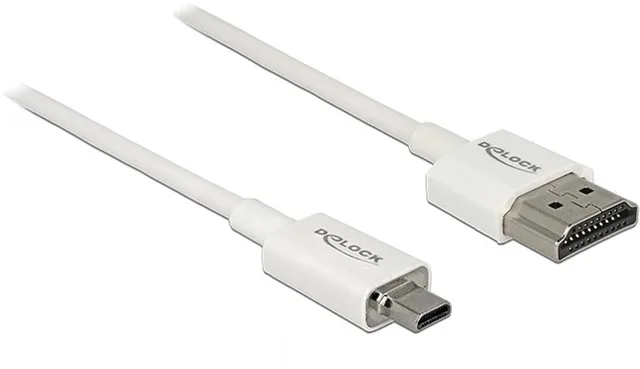
Dunne Premium Micro HDMI
HDMI kabel2 m4KFrom €27.94 · at 2 shops
- LG
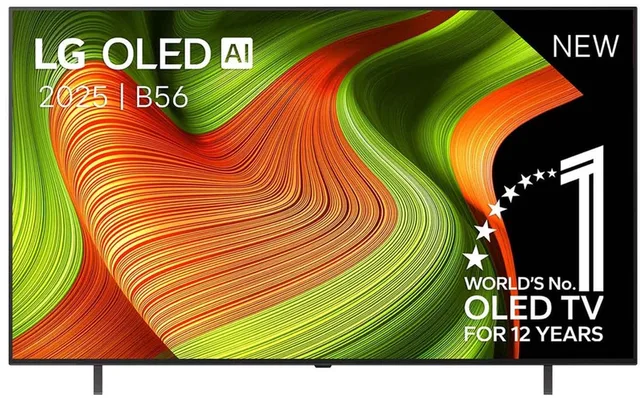
B5 OLED65B56LA
2025 · 4K OLED AI · Smart TV65″4KOLED€1,199 · at 1 shop
- Delock
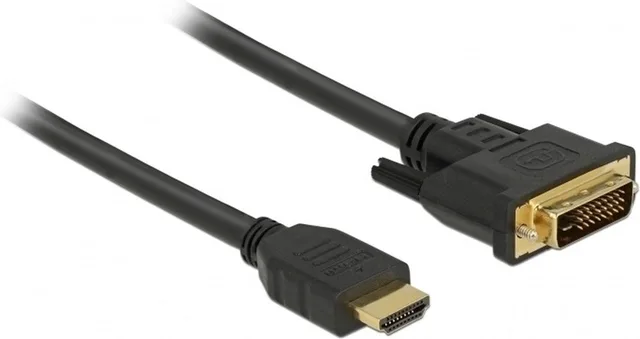
Premium DVI-D Dual Link
HDMI kabel / 2 meter2 mFrom €11.98 · at 3 shops
Lowest in 24 days
- Hisense
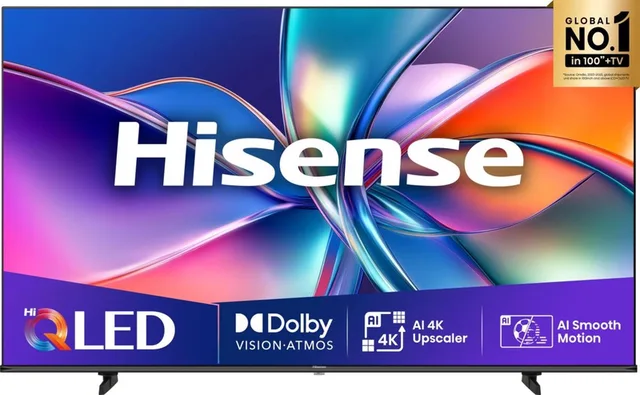
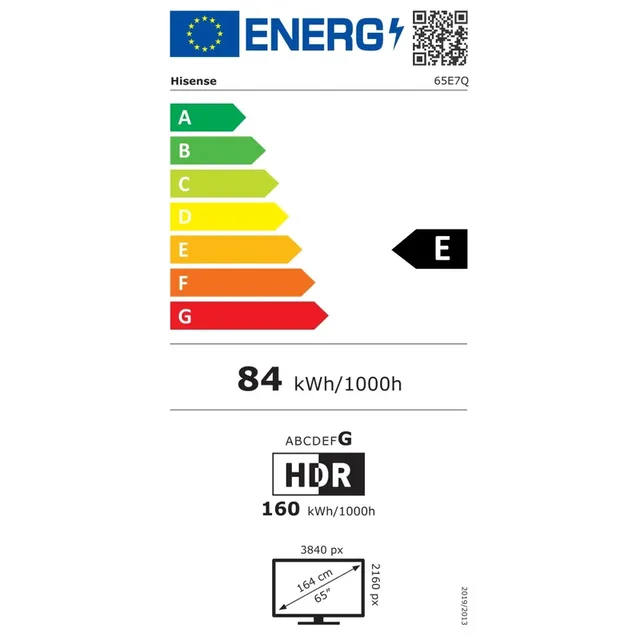
Tv 65e7q 65´´ 4k Qled
65″4KQLEDFrom €699 · at 2 shops
- Delock
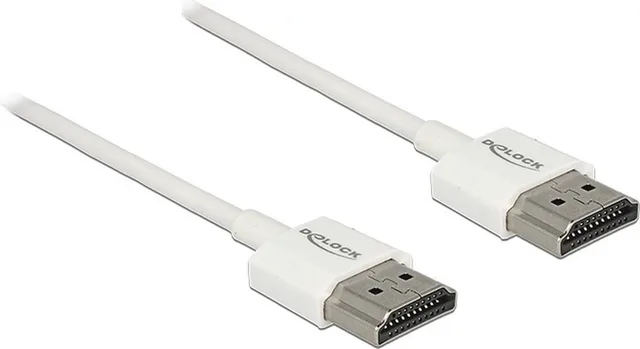
Dunne Premium HDMI kabel
versie 2.0 (4K 60Hz) / 0,50 meter0.5 m4KFrom €18.39 · at 2 shops
More buying guides
- OLED, QLED or Mini-LED: which screen suits your room? OLED, QLED and Mini-LED make the picture in different ways. Which one suits you depends mostly on how much light your room gets and what you watch. Read the guide
- Google TV, Tizen or webOS: which smart TV system to choose? A smart TV's system comes with the brand and decides your apps, casting from your phone and how long the TV gets updates. Here is how to choose, and how a media player fills the gaps. Read the guide